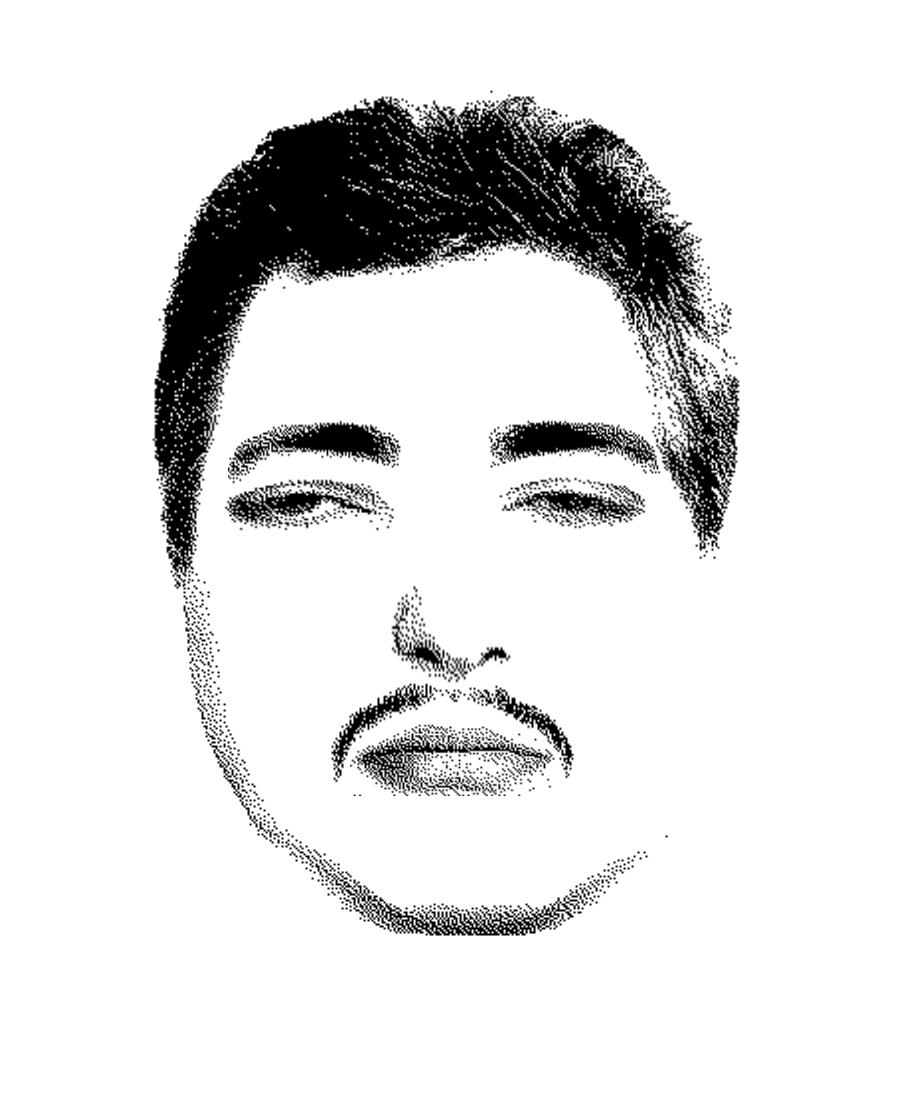
 FACE WITNESSCOMPOSITE
STUDIO

REBUILD A FACE
FROM MEMORY.
Create realistic composite faces by combining hundreds of facial features. Mix and match eyes, noses, mouths, hair, and details to bring your memory to life.
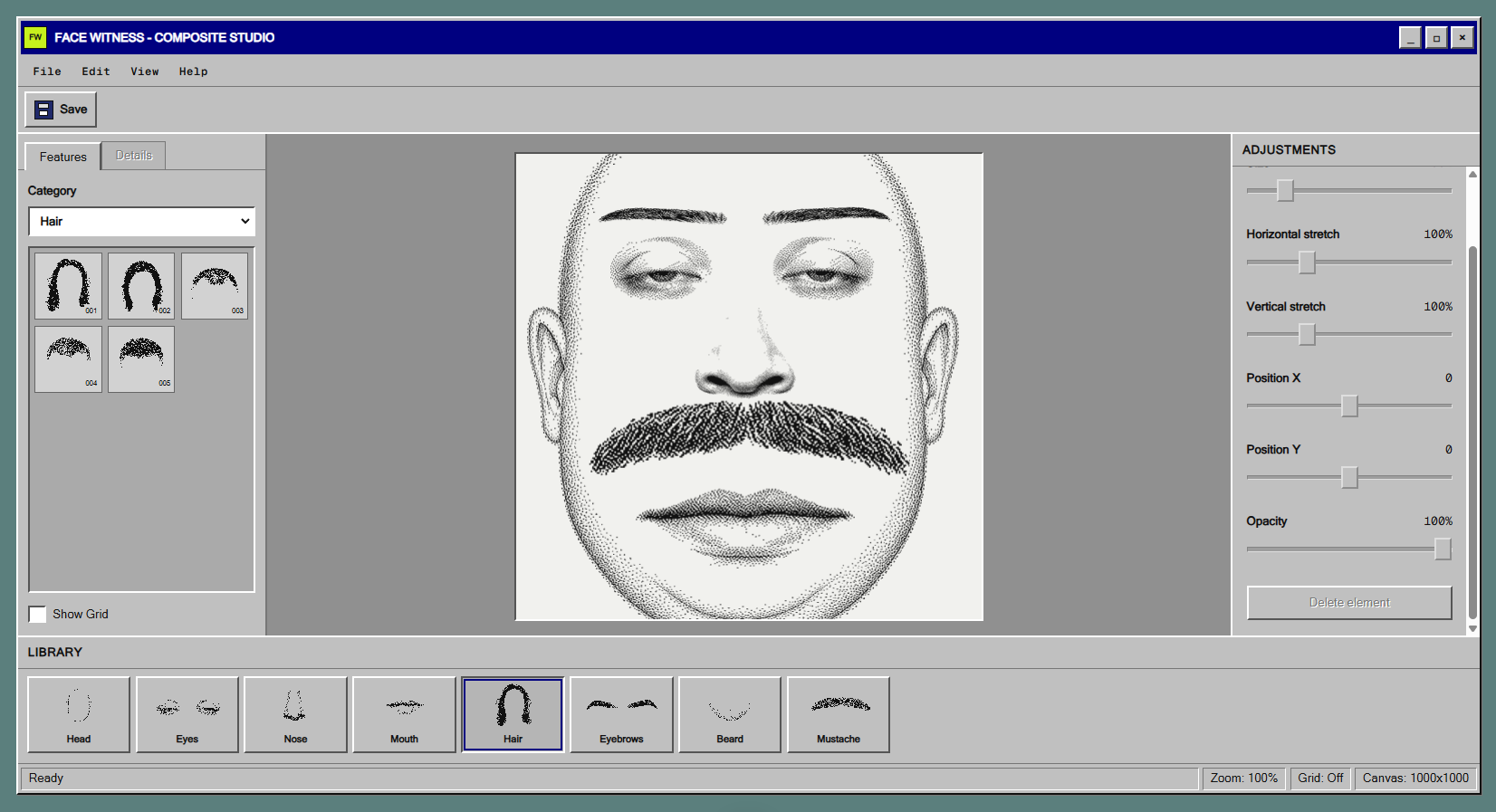
HOW TO BUILD A FACIAL COMPOSITE
The Face Witness editor assembles a portrait from independent layers, so you can replace one feature without rebuilding the entire face.
- 01
CHOOSE THE FIRST FEATURE
Start with the eyes, chin, or another detail you remember clearly. The canvas begins empty, letting you construct the portrait step by step.
- 02
ADD FACIAL FEATURES
Choose eyes, eyebrows, a nose, mouth, hair, a moustache, or a beard from the available feature categories.
- 03
ADJUST PROPORTIONS
Drag, enlarge, and stretch elements horizontally or vertically until the composite resembles the face you remember.
- 04
SAVE THE RESULT
When the portrait is ready, export the facial composite as a PNG file and save it to your device.
FREQUENTLY ASKED QUESTIONS
Do I need to install software?
No. The composite builder runs in a modern browser on desktop and mobile devices.
Can I try the editor for free?
Yes. Demo access includes objects 001 and 002 in every available feature category.
Can I download the finished composite?
Yes. The finished result can be exported to your device as a PNG file.
Does a composite identify a person?
No. It is an approximate reconstruction from memory, not a photograph or a confirmed identification.
Which facial features can I change?
You can change the eyes, eyebrows, nose, mouth, chin, hair, moustache, beard, and other available details.